

Convert to JSON - Easy Data Format Transformation
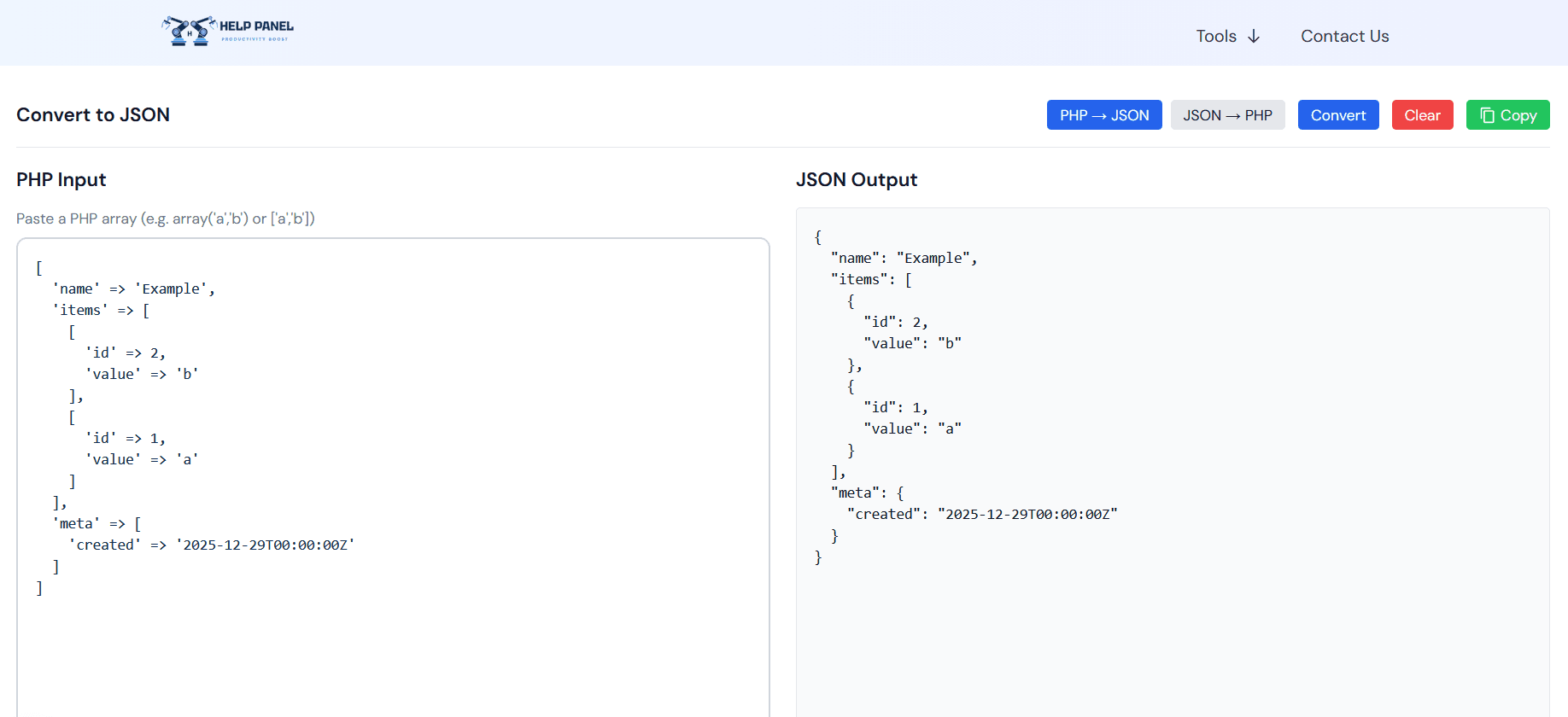
Convert to JSON Guide
JSON is the standard data format for modern APIs and web applications. Converting data to JSON is quick and essential.
What It Does
- Array to JSON: Convert comma-separated values to JSON arrays
- List to JSON: Transform text lists into structured JSON
- JSON to Array: Convert JSON back to readable format
- Format Preservation: Maintain data integrity during conversion
Why Convert to JSON?
API Development
Create properly formatted data for API endpoints.
Data Storage
Store structured data efficiently.
Configuration Files
Create JSON configuration for applications.
Data Exchange
Share data between systems in standardized format.
Conversion Process
- Paste your data (CSV, list, or array format)
- Select conversion direction
- Choose your preferences
- Copy the JSON result
Common Scenarios
CSV to JSON
Convert spreadsheet exports to JSON objects.
Array Creation
Build JSON arrays from simple lists.
Nested Data
Create complex nested JSON structures.
Batch Processing
Convert multiple items to JSON quickly.
JSON Standards
Valid JSON Structure
Ensure your JSON follows proper syntax.
Data Types
Support for strings, numbers, booleans, and objects.
Escaping
Proper handling of special characters.
Best Practices
- Validate JSON output
- Test with sample data
- Preserve data formatting
- Document your data structure
Use Cases
API Requests
Prepare data for POST/PUT requests.
Database Imports
Format data for database insertion.
Frontend Development
Create mock JSON data for testing.
System Integration
Transform data between different systems.
Convert your data to JSON format instantly!