

20 Jan 2025
JSON Formatter - A Complete Guide
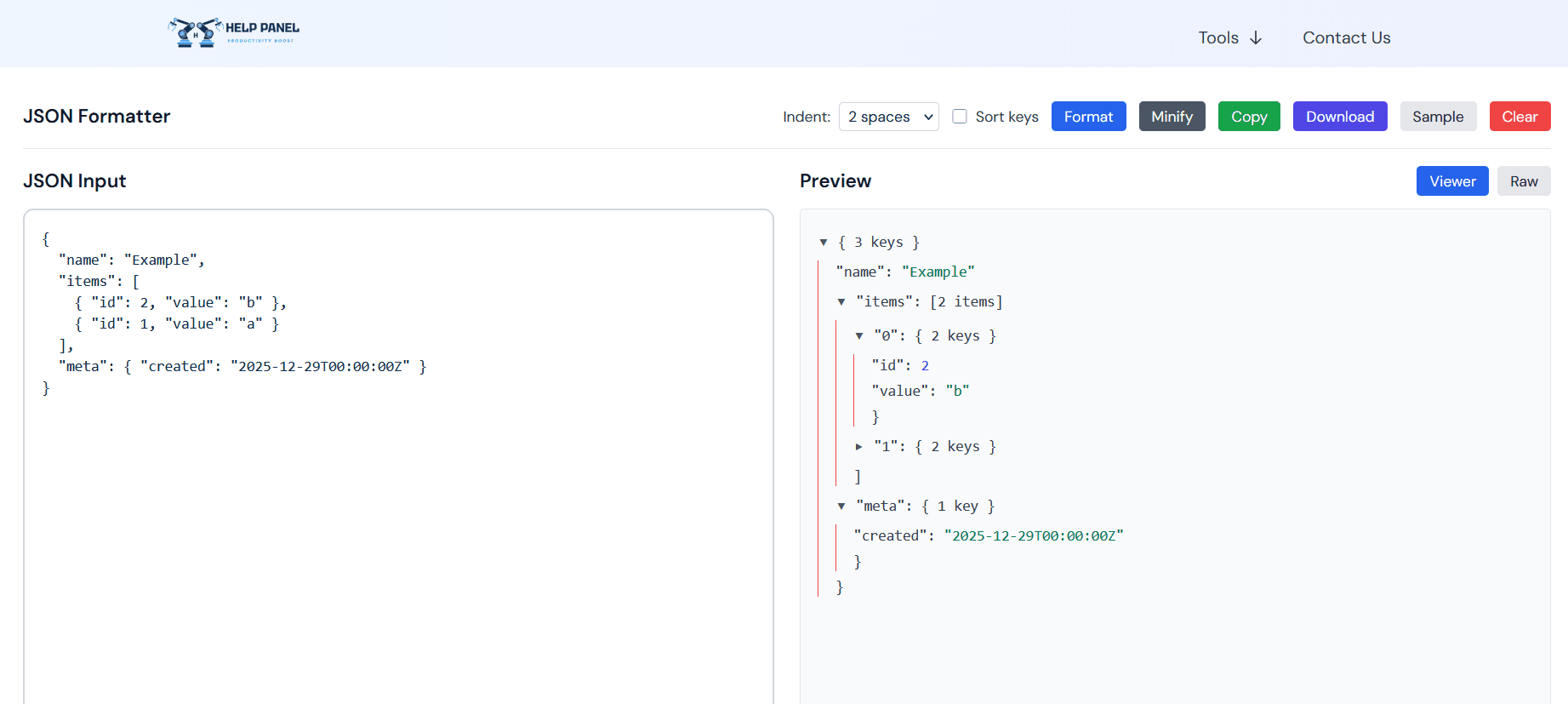
JSON Formatter Guide
JSON (JavaScript Object Notation) is a widely-used data format. Properly formatted JSON is essential for readability and debugging.
Why Format JSON?
Formatting JSON provides several benefits:
- Readability: Makes large JSON files easier to read and understand
- Debugging: Identifies syntax errors and structural issues
- Validation: Ensures your JSON is valid and properly structured
- Development: Speeds up API development and testing
How to Use the JSON Formatter
- Paste your JSON code into the input area
- The formatter automatically indents and highlights syntax
- Copy the formatted result with one click
Common JSON Formatting Scenarios
Minified to Pretty Print
Convert compact JSON into readable, indented format.
Syntax Validation
Check for missing commas, brackets, or quotes.
Deep Nesting
Properly format deeply nested JSON structures.
Best Practices
- Always validate JSON before using in production
- Use consistent indentation (2 or 4 spaces)
- Remove unnecessary whitespace in production code
- Document complex JSON structures
Start formatting your JSON today with our free tool!