

16 Jan 2025
Line Formatter - Transform Multi-line Content
Line Formatter Handbook
Text formatting is essential for document preparation, content creation, and data processing.
Formatting Options
- Trim Lines: Remove extra whitespace
- Bullet Points: Add bullet characters to each line
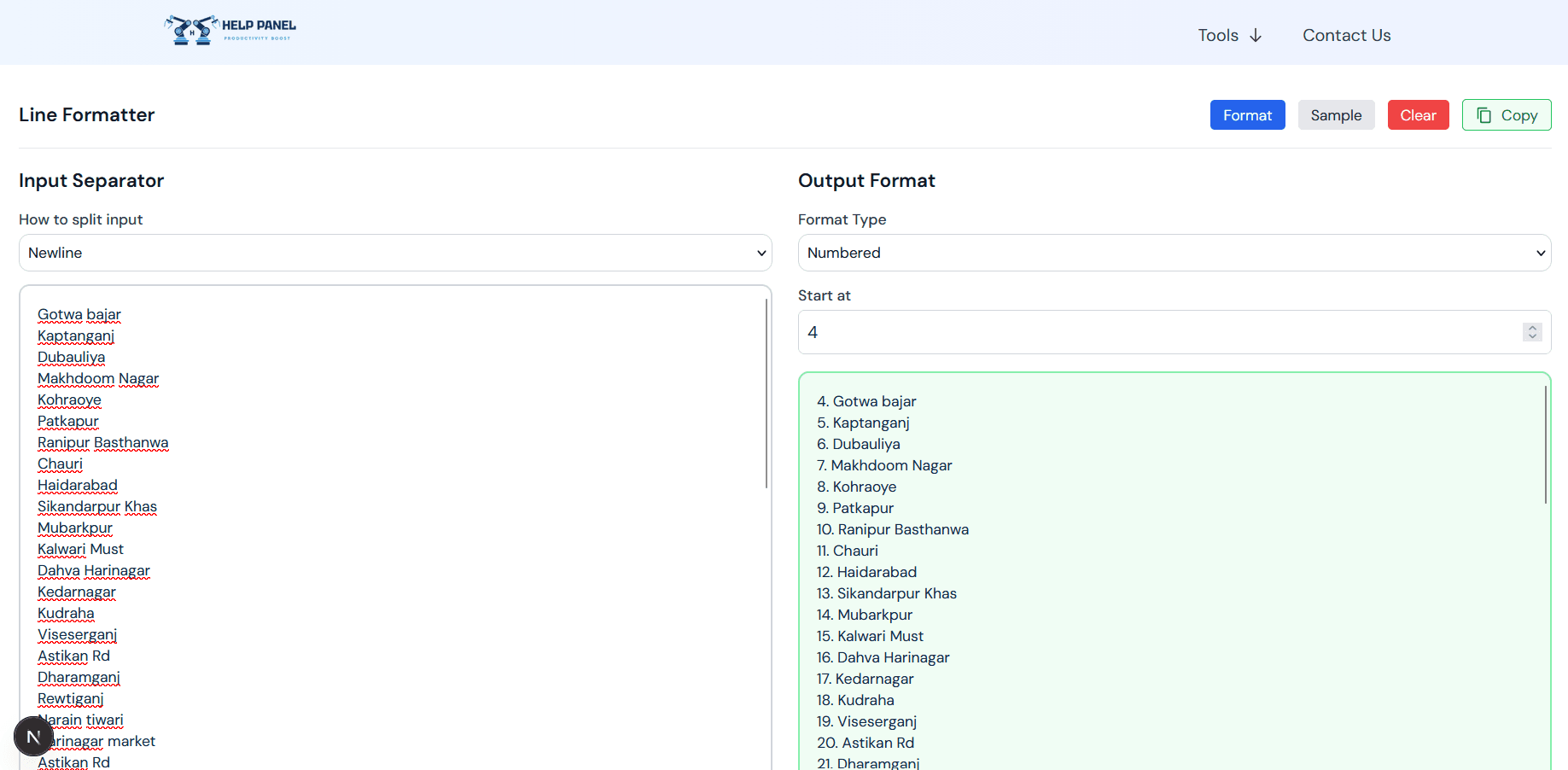
- Numbering: Add sequential numbers to lines
- Single Line: Combine all lines into one
Common Applications
Content Creation
Format blog posts, articles, and documentation.
Data Preparation
Clean and structure data for imports.
List Creation
Convert content into formatted lists.
Documentation
Format code comments and technical writing.
Usage Examples
Adding Bullets
Transform plain text into bullet-point lists automatically.
Creating Numbered Lists
Generate ordered lists for instructions or steps.
Removing Extra Spaces
Clean up formatted text with unnecessary indentation.
Joining Lines
Combine paragraph content into single lines.
Best Practices
- Preview results before copying
- Test with sample content first
- Use appropriate formatting for your context
- Combine formats as needed for complex transformations
Formatting Scenarios
Code Comments
Format code documentation lists.
Instructions
Create step-by-step guides with numbering.
Product Lists
Format product descriptions with bullets.
Content Editing
Clean up and restructure content quickly.
Transform your multi-line content with ease!